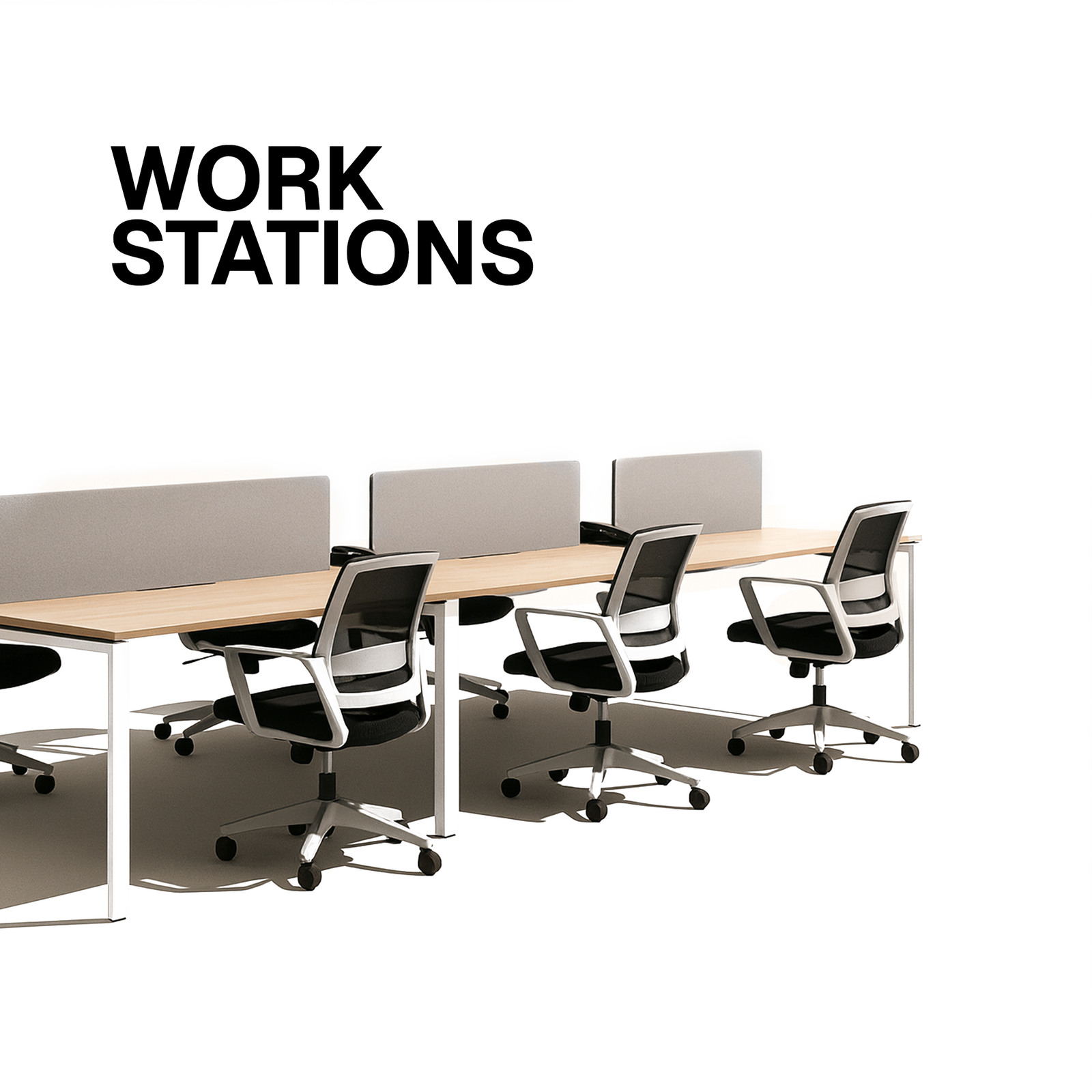
FAQ: Signs Your Office Chair Needs Replacing

FAQ: How to Spot When Your Office Chair Needs Replacing
If you spend more time at your desk than in your living room, you’ve probably formed a love‑hate relationship with your office chair. It’s the unsung hero that keeps you upright through back‑to‑back Zoom calls, marathon spreadsheet sessions, and those inevitable “just one more email” sprints. But like any workhorse, a chair eventually shows its age. The question is—when is it time to say goodbye and invest in a new one?
In this post we’ll walk through the most common signs that your office chair has run its course, answer the burning questions you probably didn’t know you had, and give you a roadmap for picking a replacement that truly supports you. Grab a coffee (or a posture‑correcting cushion) and let’s get comfortable—literally.
Table of Contents
1. Why Your Chair Matters More Than You Think
2. The 12 Tell‑Tale Signs Your Chair Needs Replacing
3. Frequently Asked Questions (FAQ) – Quick Answers
4. How to Choose a New Chair Without Going Crazy
5. Maintenance Hacks to Extend the Life of Your Next Chair
6. Bottom Line: Trust Your Body, Trust the Chair
1. Why Your Chair Matters More Than You Think
A. The Health Connection
The average office worker spends 7‑9 hours a day seated. Research from the American Chiropractic Association links poor seating to:
Chronic lower‑back pain (up to 80 % of office workers experience it at some point)
Neck and shoulder tension
Reduced circulation, leading to fatigue and even varicose veins
A well‑designed chair isn’t a “nice‑to‑have” luxury; it’s a preventive health device. When the chair fails, the strain falls on your spine, pelvis, and even your eyes (because you’re constantly adjusting).
B. Productivity & Mood
A 2019 study from the University of Minnesota found that employees using ergonomically optimized chairs reported a 12 % boost in productivity and a 14 % increase in overall job satisfaction. When a chair squeaks, wobbles, or collapses under you, it creates micro‑stressors that sap mental bandwidth.
C. Financial Perspective
Replacing a chair every 3‑5 years might seem pricey, but consider the hidden costs of lost work hours, doctor visits, and potential workers’‑comp claims. A quality chair is an investment that pays for itself many times over.
2. The 12 Tell‑Tale Signs Your Chair Needs Replacing
Below is a checklist you can keep on your desk. If you tick three or more, start shopping for a new seat.
1️⃣ Persistent Squeaks or Creaks
A little noise is normal when the chair is brand new, but a constant squeak that doesn’t quiet down after lubrication indicates worn‑out bushings or a failing frame. The problem isn’t just annoying—it’s a warning that the structural integrity is deteriorating.
2️⃣ Uneven or Wobbly Base
If the base rocks even when the casters are locked, the cross‑bars or gas cylinder have likely cracked. A wobbly base compromises balance and can lead to sudden falls, especially on slick office floors.
3️⃣ Sagging Seat Cushion
Feel the cushion with your hand. Does it give way immediately? Does it leave an imprint that never recovers? Foam and fabric degrade over time; a sagging seat forces you to sit forward, stressing the lumbar region.
4️⃣ Broken or Loose Casters
Casters that won’t roll smoothly, spin unevenly, or detach from the base are a red flag. Faulty wheels can cause you to jerk forward or backward, creating micro‑impact injuries to your lower back.
5️⃣ Adjustments That Won’t Stay Put
A chair with a broken tilt‑lock mechanism, a stuck height lever, or a slipping lumbar knob is essentially a static stool. The inability to fine‑tune your position defeats the whole purpose of an ergonomic chair.
6️⃣ Visible Cracks in the Frame
Inspect the metal or polymer frame for hairline cracks, especially around the pivot points and gas lift cylinder. Even a tiny crack can propagate under weight, leading to a catastrophic failure.
7️⃣ Uncomfortable or Inadequate Lumbar Support
If the lumbar pad feels flattened, misaligned, or you’re constantly feeling a “gap” in the lower back, the chair’s core ergonomic function is compromised. A lack of lumbar support is one of the leading causes of chronic back pain.
8️⃣ Excessive Wear on the Upholstery
Stains, rips, or worn‑out fabric not only look unsightly but also reduce breathability, causing heat buildup and sweating—both of which affect concentration.
9️⃣ Height Too Low or Too High Even After Adjustment
When you’ve set the chair to the proper height (roughly elbow‑level when seated) but it still feels off, the gas cylinder is losing pressure. A failing cylinder can cause the chair to sink over time or become stuck.
Frequent “Seat‑Drop” Episodes
If the seat suddenly drops a few centimeters while you’re typing, it’s a sign that the pneumatic lift is on its last legs. This sudden change can startle you, causing a reflexive jerk that may lead to wrist or shoulder strain.
1️⃣1️⃣ You Experience New Pain After Long Sessions
Any new onset of neck, shoulder, or lower‑back pain that correlates with longer sitting periods is a strong indicator that the chair isn’t supporting you the way it used to.
1️⃣2️⃣ Your Chair Is Over 5‑7 Years Old
Even if the chair looks fine, materials degrade. Most manufacturers recommend a 5‑year warranty, after which components like the foam, springs, and gas lifts start to lose their original performance characteristics.
Quick Self‑Assessment Chart
Sign Yes/No
Squeaks that won’t go away
Wobbly base
Sagging seat cushion
Faulty casters
Adjustments don’t lock
Frame cracks
Poor lumbar support
Worn upholstery
Height adjustment ineffective
Seat drops unexpectedly
New pain after sitting
Over 5‑7 years old
If you marked four or more “Yes”, start budgeting for a replacement today.
3️⃣ Frequently Asked Questions (FAQ) – Quick Answers
Below we’ve gathered the most common queries that pop up when people start questioning their chair’s lifespan.
Q1: How often should I replace my office chair?
A: The sweet spot is every 3‑5 years for high‑usage chairs (8+ hours/day). If you’re a light user (under 4 hours/day) you can stretch it to 7‑10 years, but keep an eye on the signs above.
Q2: Can I fix a sagging cushion with a simple pad?
A: A high‑density foam topper can temporarily improve comfort, but it won’t address the underlying loss of support. If the chair’s frame or lumbar mechanism is also compromised, a replacement is wiser.
Q3: My chair’s gas lift is stuck—can I replace just that part?
A: Yes, gas cylinders are often sold as separate parts. However, if other components (cushion, casters, frame) are also aging, you may spend more on parts than buying a new chair.
Q4: Is a “budget” ergonomic chair worth it?
A: The term “budget” is relative. Chairs under $150 often skimp on adjustable features and durable materials. If you can invest $250‑$500, you’ll typically get a longer‑lasting, more supportive seat.
Q5: What’s the difference between “mesh” and “fabric” chairs?
A: Mesh offers breathability and often a longer lifespan for the backrest because it doesn’t sag like padded fabric. Fabric provides a softer feel but can wear faster, especially in high‑traffic environments.
Q6: Do I need a “executive” chair for home office work?
A: Not necessarily. An executive chair emphasizes aesthetics and plush padding but may lack the full range of adjustments that a task/ergonomic chair provides. Choose based on adjustability, not just looks.
Q7: My chair looks fine, but my back hurts—what now?
A: Pain is the body’s alarm system. Even if visual cues are minimal, persistent discomfort suggests the chair’s support geometry no longer matches your body. A professional ergonomic assessment can pinpoint the exact deficit.
Q8: How can I tell if the lumbar support is “right” for me?
A: Sit back so your glutes touch the backrest; the lumbar pad should fill the natural curve of your lower spine, not push it forward or leave a gap. Adjustable lumbar (height/depth) is ideal.
Q9: Are “active” chairs (e.g., wobble stools) a good replacement?
A: Active chairs encourage micro‑movements, which can improve circulation, but they’re not a replacement for full‑back support during long, focused work. Consider them as secondary seating.
Q10: Should I buy a chair with a “memory foam” seat?
A: Memory foam conforms to your body, reducing pressure points. However, it can retain heat unless it’s combined with a breathable cover. Look for gel‑infused or ventilated memory foam if you tend to get hot.
4️⃣ How to Choose a New Chair Without Going Crazy
Step 1: Define Your “Must‑Haves”
Category What to Look For Why It Matters
Adjustability Height, tilt tension, tilt lock, seat depth, armrest height/width, lumbar height/depth Tailors chair to your exact anatomy
Seat Depth Adjustable or ≥ 17‑19 in (for most adults) Supports thighs without cutting off circulation
Weight Capacity Minimum 250 lb; higher if you need it Prevents premature wear
Material Breathable mesh or high‑density foam, durable upholstery Comfort & longevity
Mobility 5‑point casters (hard floor vs carpet) Smooth movement, reduces strain
Warranty ≥ 5 years on frame, 2‑3 years on mechanisms Peace of mind
Step 2: Test, Test, Test
Sit for at least 5 minutes before deciding. Your body’s micro‑adjustments will reveal flaws.
Adjust every lever—height, tilt, lumbar. If any knob feels stiff or doesn’t stay put, move on.
Check the base: rock it gently; a solid chair should stay steady.
Step 3: Factor in Your Workspace
Desk Height: Pair a chair with a desk that allows a 90‑degree elbow angle.
Floor Type: Hard‑floor users benefit from hard‑tread casters; carpet users need soft‑tread to avoid dragging.
Aesthetic: While ergonomics win, a chair that meshes with your décor improves overall satisfaction.
Step 4: Budget Wisely
Price Range Typical Features Best For
$100‑$200 Fixed lumbar, limited tilt, basic mesh/fabric Light users, occasional home office
$200‑$350 Adjustable lumbar, tilt lock, breathable mesh, decent warranty Average full‑time workers
$350‑$600 Multi‑adjustable armrests, dynamic seat pan, premium upholstery, 7‑year warranty Power users, managers, remote workers
$600+ Advanced lumbar tech (e.g., active support), eco‑leather, custom fit, extensive warranty Executives, design studios, health‑focused companies
Step 5: Look for Certifications
BIFMA (Business and Institutional Furniture Manufacturers Association) Level 1/2 – ensures durability and safety.
EPA ENERGY STAR – for chairs with recycled content or low‑impact manufacturing.
5️⃣ Maintenance Hacks to Extend the Life of Your Next Chair
You finally splurged on a high‑quality chair—don’t let it fall apart in a year. Here are low‑effort habits that add years to its lifespan.
1. Quarterly Tightening – Use a small Allen wrench to tighten bolts on the base and armrests. Vibration from daily movement can loosen them over time.
2. Lubricate Moving Parts – A few drops of silicone spray on the tilt mechanism and gas lift cylinder (if accessible) keep squeaks at bay.
3. Rotate the Seat Cushion – If your cushion is removable, flip it every 6 months to promote even wear.
4. Clean Casters Regularly – Hair, dust, and debris can jam wheels. Remove them, wipe with a damp cloth, and spin them to free any stuck particles.
5. Upholstery Care – Vacuum fabric chairs weekly and spot‑clean spills promptly with a mild detergent. For leather, use a specialized conditioner to prevent cracking.
6. Weight Distribution – Avoid slamming the chair onto the floor. Gentle lowering preserves the gas cylinder and frame.
7. Avoid Over‑Loading – Stick to the manufacturer’s weight limit. Even if you feel the chair can handle more, the internal springs and cushions will degrade faster.
6️⃣ Bottom Line: Trust Your Body, Trust the Chair
Your office chair is more than a piece of furniture; it’s a daily health partner. Ignoring the warning signs can lead to chronic pain, reduced productivity, and costly medical visits.
Takeaway Checklist:
Perform the 12‑sign self‑assessment every 6 months.
Replace the chair every 3‑5 years or when you hit three or more red flags.
When buying, prioritize adjustability, support, and durability over aesthetics.
Keep up with simple maintenance to protect your investment.
Remember: a good chair should make you feel like you’re sitting on a cloud, not a slab of concrete. When that cloud starts to leak, it’s time to call in a new one.
Ready to Upgrade?
If you’ve identified a few warning signs, don’t wait for that dreaded “seat‑drop” moment. Browse reputable ergonomic brands, read user reviews, and give your back the support it deserves.
Your future self (and your lower back) will thank you.
Got more questions? Drop a comment below or email us at ergonomics@workwise.com—we love helping you find the perfect throne for your office kingdom. Happy sitting!